Video Resume & Virtual Interview Guide 2026: When to Use Video and How to Prepare
Video can help your job search, but only in the right context. A good video resume can show communication, presence, and storytelling for roles where those skills matter. A bad or unnecessary video can distract from a strong resume and create bias risks. Virtual interviews, meanwhile, are now normal across remote, hybrid, global, and early-screening hiring processes.
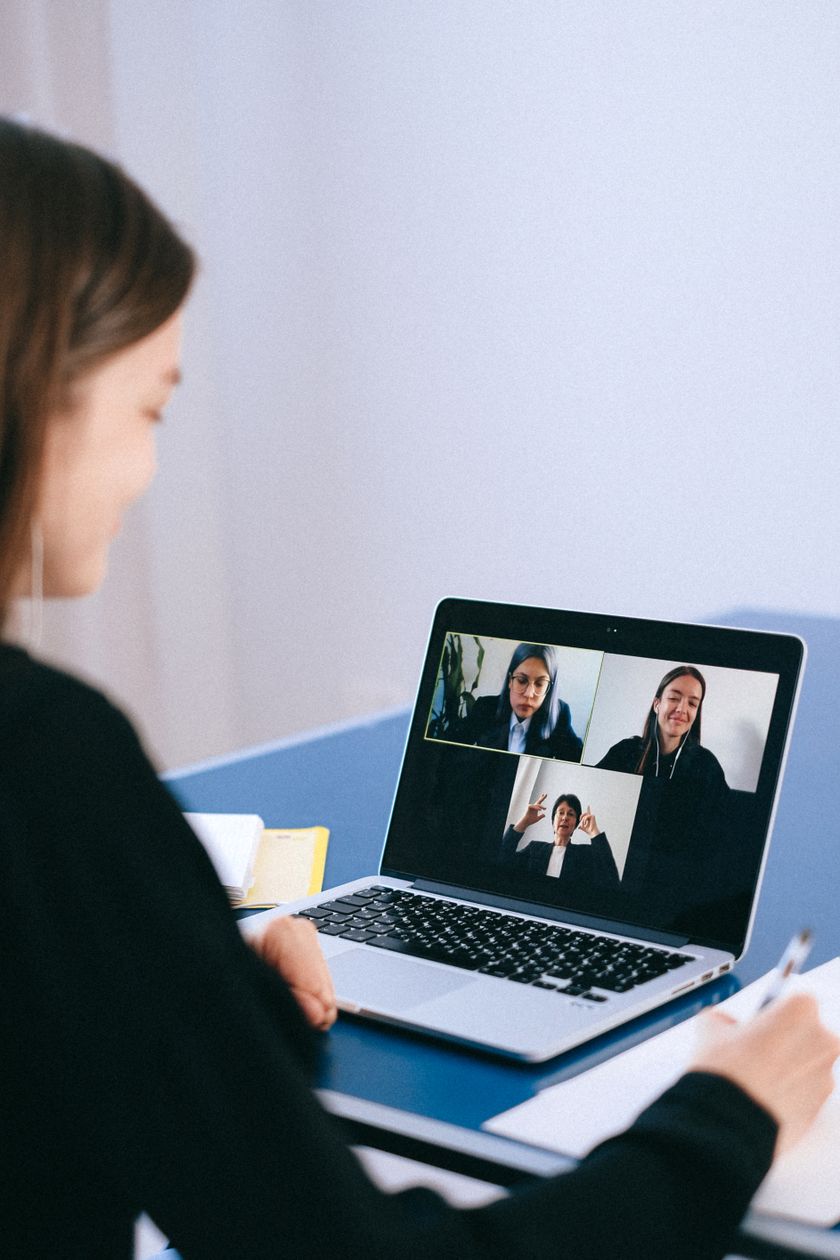
This guide separates two different things: video resumes, which you submit as an optional pitch or requested asset, and virtual interviews, which are live hiring conversations over video.
Direct answer: Use a video resume only when requested or when the role values presentation, communication, sales, teaching, media, design storytelling, or client-facing work. For virtual interviews, focus on preparation, lighting, audio, eye contact, examples, and follow-up.
Video resume vs virtual interview
A video resume is a short recorded pitch. It is usually 60 to 90 seconds and may be useful for sales, marketing, media, teaching, customer success, hospitality, design, and creator roles. A virtual interview is a live interview conducted over video. The expectations are different: video resumes require scripting and editing; virtual interviews require conversation and preparation.
When a video resume helps
- The employer specifically asks for it.
- The role is client-facing or presentation-heavy.
- You need to demonstrate communication style.
- You are applying for media, teaching, sales, hospitality, content, or creative roles.
- You can produce a clean, concise, professional video.
When not to send a video resume
- The application instructions do not mention video and the role is highly traditional.
- Your video would repeat the resume without adding proof.
- You cannot ensure good audio, lighting, and privacy.
- The employer uses a strict ATS upload process with no video field.
- The video may expose personal details unrelated to job fit.
Best video resume structure
Keep it short. Use this 75-second script structure:
- 0-10 seconds: Name, target role, and strongest positioning.
- 10-35 seconds: 1 or 2 achievements relevant to the role.
- 35-55 seconds: What you can contribute to this company or role type.
- 55-75 seconds: Portfolio/resume reference and clear closing.
Hello, I am Priya Sharma, a digital marketing specialist focused on SEO and performance content. In my last role, I built content briefs and internal-link systems that helped grow organic demo requests by 32 percent in 6 months. I am especially strong at turning keyword research into practical content plans that sales teams can use. I have linked my resume and portfolio below, including campaign examples and reporting dashboards. Thank you for reviewing my application.
Video resume setup checklist
- Natural light or soft front light.
- Clear microphone audio.
- Plain background.
- Camera at eye level.
- Professional clothing for the role.
- No distracting music.
- No private information visible behind you.
- Captions if the platform supports them.
Virtual interview preparation
Prepare for a virtual interview the same way you prepare for an in-person interview, plus technology. Test camera, microphone, internet, screen sharing, and meeting link at least 30 minutes early. Keep your resume, job description, project notes, and questions nearby, but do not read from them continuously.
How to answer well on video
- Look at the camera for key points, not only at the screen.
- Use short examples with situation, action, and result.
- Pause before answering complex questions.
- Use a clean note sheet, not a full script.
- Confirm if there is a lag before interrupting.
- Follow up within 24 hours after the interview.
Virtual interview questions to prepare
- Tell me about yourself.
- Why this role and company?
- Walk me through a project you are proud of.
- Describe a conflict or difficult stakeholder.
- How do you work remotely or across teams?
- What would you improve in our product/process/content?
Common mistakes
- Reading a video resume like a speech.
- Recording a 4-minute video when 90 seconds is enough.
- Using poor audio.
- Submitting video instead of a resume.
- Having a distracting background.
- Forgetting to send a thank-you email after the virtual interview.
For follow-up templates, use ResumeVera's thank you email after interview guide.
Video resume decision tree
Before recording, ask three questions. Did the employer request or invite video? Does the role require presentation, communication, teaching, selling, client interaction, or creative storytelling? Can you produce a clean video that improves trust? If the answer to all three is yes, video can help. If not, your energy is usually better spent improving the resume, portfolio, and interview examples.
Video resume examples by role
Sales or customer success
Focus on communication, customer understanding, revenue or retention outcomes, and why the company/product matters. Example: I have handled 400+ discovery calls and maintained a 28 percent demo-to-opportunity conversion rate in SMB SaaS.
Teacher or trainer
Show clarity, warmth, and instructional structure. Example: I design lessons around learning outcomes, formative checks, and student feedback. My demo lesson portfolio is linked below.
Designer or creator
Use the video to guide viewers through your portfolio, not to repeat your resume. Mention one case study and what problem it solved.
Software engineer
Usually skip a video resume unless requested. A GitHub walkthrough, technical blog, or short project demo is often more useful than a talking-head pitch.
Video resume script templates
Early-career candidate
Hello, I am [Name], a final-year [degree] student targeting [role]. My strongest project is [project], where I used [tools] to solve [problem]. I am comfortable with [skills] and have linked my resume, GitHub, and project demo below. I am especially interested in [company/role] because [specific reason]. Thank you for reviewing my application.
Experienced candidate
Hello, I am [Name], a [role] with [years] of experience in [domain]. In my recent role, I [achievement with number]. I am strongest in [skill 1], [skill 2], and [skill 3], and I am looking for a role where I can help [business outcome]. My resume and portfolio are linked below.
Virtual interview setup by priority
Audio first: poor audio damages interviews faster than average video. Use earphones or a decent microphone and test before the call. Lighting second: face a window or soft light source. Camera third: eye-level framing is better than a low laptop angle. Background fourth: clean and quiet beats fancy.
How to prepare examples for virtual interviews
Prepare 6 stories before the call: one leadership story, one conflict story, one failure or learning story, one technical/project story, one metrics story, and one teamwork story. Use the STAR format but keep it conversational. The interviewer should hear what happened, what you did, and what changed because of your action.
Remote-work interview signals
For remote and hybrid roles, interviewers watch for communication discipline. Mention how you document work, handle async updates, manage deadlines, clarify ambiguity, and escalate blockers. Good phrases include weekly written updates, clear handoff notes, shared dashboards, decision logs, and proactive stakeholder communication.
Technical virtual interview tips
- Ask whether you should explain while coding or think silently first.
- Clarify constraints before solving.
- Keep a backup plan if screen sharing fails.
- Use meaningful variable names and explain tradeoffs.
- If you make a mistake, correct calmly instead of spiraling.
Panel interview on video
Write down interviewer names as they introduce themselves. When answering, start with the person who asked but occasionally look toward the camera so the whole panel feels included. If two people speak at once, pause and invite one to go first. Small moments of video etiquette can make you look organized.
After the virtual interview
Send a short thank-you email within 24 hours. Reference one specific topic from the conversation, reinforce one fit point, and offer any additional material. If you missed a technical answer, the follow-up email can include a concise correction or improved approach.
Video resume and interview checklist
- Resume is still the primary document.
- Video is under 90 seconds unless instructions say otherwise.
- Audio is clear and background is quiet.
- Lighting is from the front, not behind you.
- Script sounds natural, not memorized.
- Portfolio/resume links are included wherever the platform allows.
- Interview stories are prepared before the call.
- Thank-you email is sent within 24 hours.
How to make a video resume sound natural
Write bullet prompts, not a full script. A fully memorized script often sounds stiff. Record two or three practice takes, then choose the one that feels clear and human. If you make a tiny verbal mistake but the message is strong, do not over-edit until the video feels artificial.
What recruiters notice in video
- Can you explain your value clearly?
- Do you understand the role?
- Are your examples specific?
- Is your communication concise?
- Does the video feel professional without being overproduced?
Accessibility and fairness considerations
Video resumes can create bias and accessibility issues, which is why they should not be forced for every role. If you use one, keep it optional and supportive. Add captions where possible, avoid background music that makes speech harder to understand, and do not include personal details unrelated to job performance.
Virtual interview answer frameworks
STAR: Situation, Task, Action, Result. Best for behavioral questions.
PAR: Problem, Action, Result. Faster and useful for concise answers.
Technical tradeoff: Requirement, options considered, chosen approach, tradeoff, result. Useful for engineering and product interviews.
Strong virtual interview closing questions
- What would success look like in the first 90 days for this role?
- What are the biggest challenges the team is trying to solve this quarter?
- How does the team currently measure performance for this role?
- What would make someone stand out in this hiring process?
- Is there any part of my background you would like me to clarify before we close?
Practice plan for the day before
- Run a 10-minute tech check with camera, mic, internet, and screen share.
- Record a short answer to tell me about yourself and watch it once.
- Prepare 6 story bullets, not scripts.
- Print or open the job description and mark the top 5 requirements.
- Write 3 questions for the interviewer.
- Keep resume, portfolio, notebook, and water nearby.
Authenticity note: Resume bullets, outreach scripts, and sample metrics in this guide are illustrative examples. Replace them with your own verified project, client, salary, traffic, performance, or interview data before using them.
Frequently Asked Questions: Video Resume and Virtual Interview
Should I submit a video resume?
Submit a video resume if the employer asks for it or if the role benefits from seeing communication and presentation skills. Do not send one automatically for every job.
How long should a video resume be?
Most video resumes should be 60 to 90 seconds. Long videos are less likely to be watched fully and usually repeat information already available in the resume.
What should I say in a video resume?
State your target role, top relevant achievements, what you can contribute, and where to find your resume or portfolio. Keep it specific and evidence-based.
How do I prepare for a virtual interview?
Test your camera, microphone, internet, and meeting link. Review the job description, prepare examples, keep notes nearby, and choose a clean, quiet setting.
Should I use notes in a virtual interview?
Yes, but use brief prompts, not a full script. Reading continuously looks unnatural. Notes should help you remember examples and questions.