See your ATS match score on every job listing
Browse jobs on LinkedIn or Naukri and see your match score in a sidebar, without leaving the page. No copy-pasting, no tab-switching.
Get an email when it ships
One message, on the day it is ready.
No card required · Unsubscribe any time
Applying to jobs, with and without the extension
Right now, checking ATS match takes 6 steps. With the extension, it takes one.
✗ Without Extension
Copy job description manually
Switch to another tab
Paste into ATS checker
Review keywords
Switch back to job board
Decide whether to apply
✓ With the Extension
Open job listing on LinkedIn or Naukri
See ATS score in the sidebar instantly
Click missing keywords for fix suggestions
Apply with confidence
What the extension does
Everything you need to apply smarter, right in your browser.
Instant ATS match score on every job
A sidebar overlays your ATS match score while you browse LinkedIn, Naukri, or Indeed: no tab-switching, no copy-pasting job descriptions.
One-click keyword gap view
See which keywords the job requires that your resume is missing. Click any missing keyword to see where and how to add it naturally.
Works on LinkedIn, Naukri & More
Integrates with every major job board. The extension reads the visible job description automatically; you just browse and apply.
Instant Tailoring Suggestions
Get bullet point rewrites tailored to the specific job, not generic advice. Apply them to your resume in one click.
High-Match Job Alerts
Set your target role and minimum match score. Get notified when a new job appears that's a strong match for your resume.
Reserve your beta spot
The extension is not built yet. Leave your email and we will send one message when it ships, which is the only thing we can honestly promise about it today.
Questions
Frequently asked questions
Where it lands
The jobs you save end up here
The extension puts a posting into the tracker in one click. Five stages, drag to move, and it stays free.
Open the tracker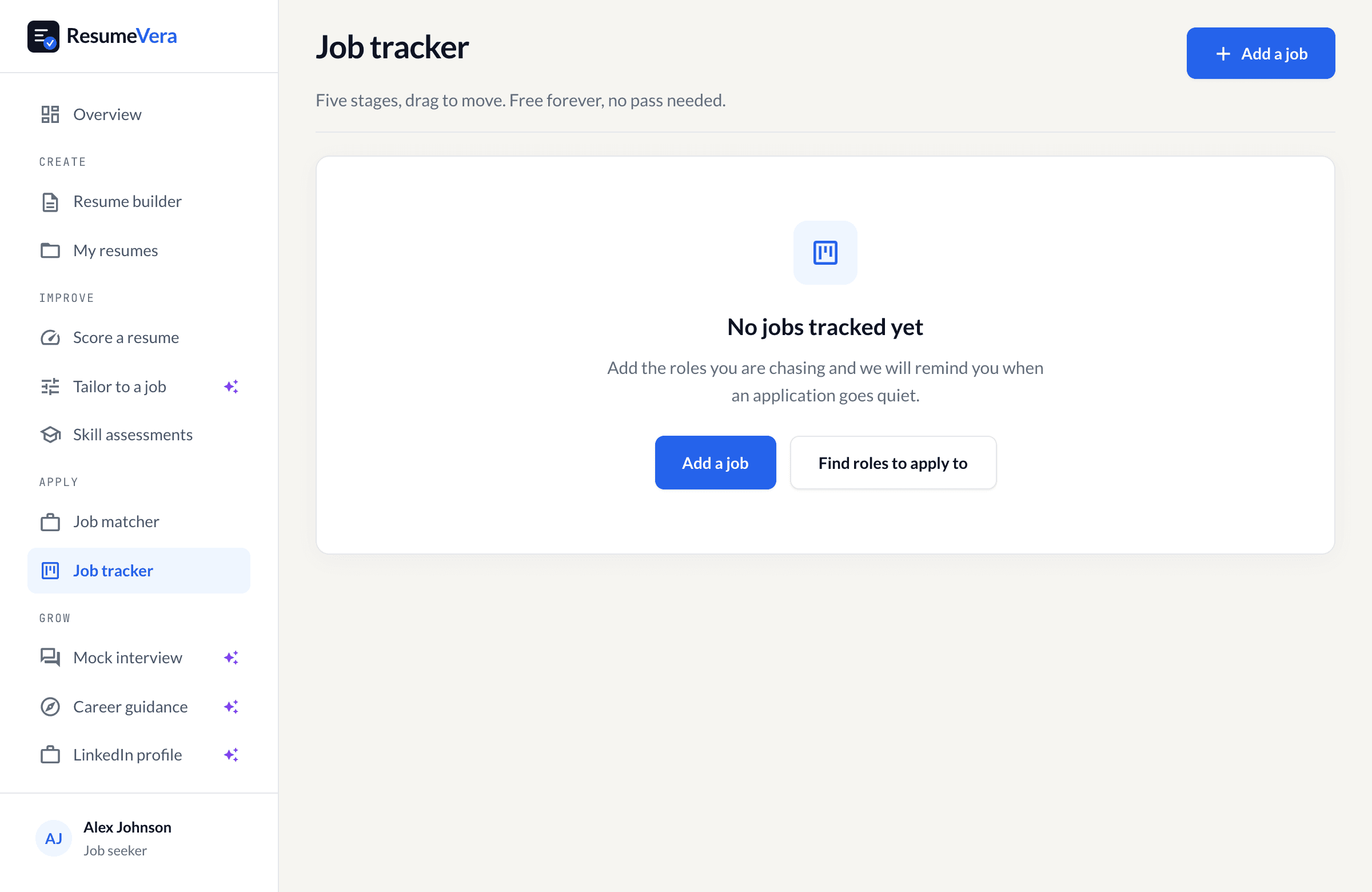
The real tracker, on a new account. Free forever, and it does not need a pass.
Use these free tools right now
While the extension is in development, these tools do the same job in seconds.
Check your resume ATS score against any job description, free
Optimize your LinkedIn profile so recruiters find you in search
Build an ATS-safe resume with our AI-powered resume builder