Administrative assistant resume example
One page. Reverse chronological, no columns, no photo. This is a role where the resume is itself a work sample: if the formatting is inconsistent or a date is wrong, that is the whole interview.
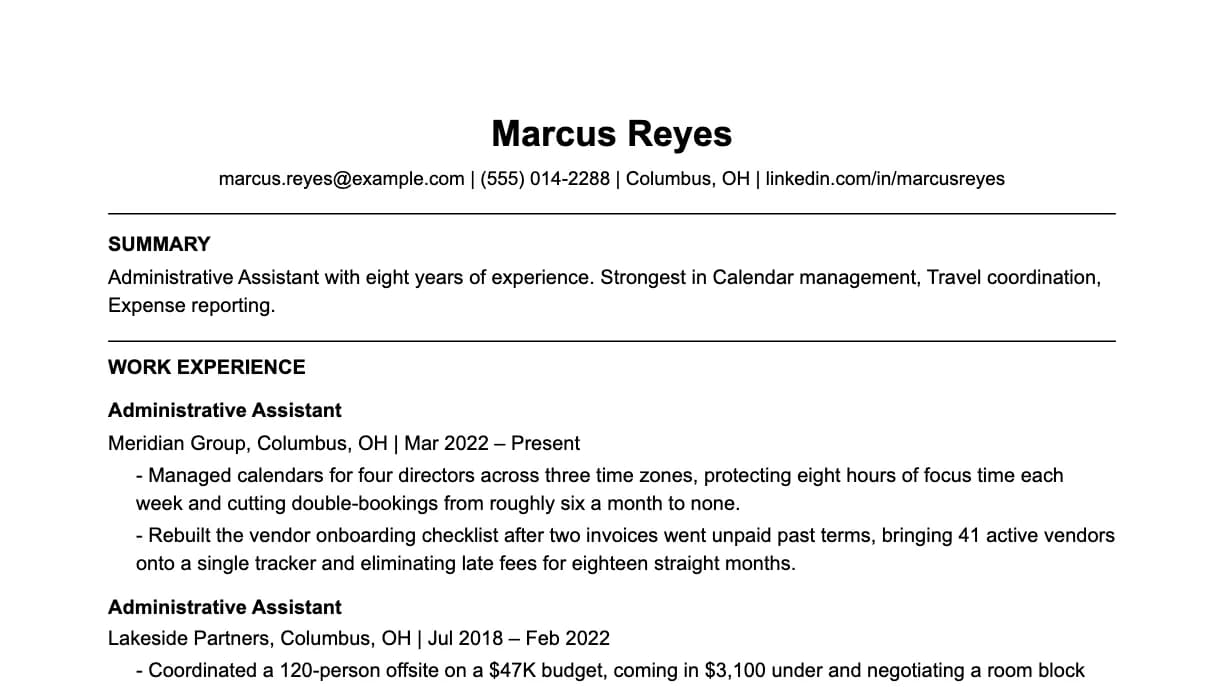
The bullets and skills are this page's own. The name, employer and dates are invented.
Most administrative assistant resumes fail before a human ever reads them, they get filtered out by Applicant Tracking Systems before reaching a recruiter's desk. This guide covers exactly what ATS systems scan for in administrative assistant roles, how to write bullet points that get callbacks, and which keywords you must include. Every example on this page is fictionalized, recruiter-informed, and written to show the level of specificity strong administrative assistant candidates need.
Must-have skills for an administrative assistant resume
These are the keywords ATS systems scan for in administrative assistant job postings. Include every skill you genuinely have, missing even one commonly required keyword can drop your match score below the recruiter's threshold.
Pro tip: mirror the job description exactly
If the job description says "React.js" and you write "React", some ATS systems won't count it as a match. Copy the exact phrasing, acronyms, capitalization, and all, from the posting into your skills section and bullet points.
Strong administrative assistant resume bullet examples
Every bullet below follows the same formula: strong action verb + what you did + quantified impact. Study the structure, then replace the numbers with your real achievements. Generic bullets like "responsible for X" are invisible to both ATS and recruiters, specificity is what gets you shortlisted.
Action
Start with Built, Reduced, Migrated, Designed, Optimized, Led.
Tools
Name the exact tool or method: Calendar management, Travel coordination, Expense reporting, Meeting minutes.
Impact
End with a number: time saved, cost, volume, quality, or people served.
Administrative Assistant - Executive support
01
Managed calendars for four directors across three time zones, protecting eight hours of focus time each week and cutting double-bookings from roughly six a month to none.
Administrative Assistant - Vendor management
02
Rebuilt the vendor onboarding checklist after two invoices went unpaid past terms, bringing 41 active vendors onto a single tracker and eliminating late fees for eighteen straight months.
Administrative Assistant - Event delivery
03
Coordinated a 120-person offsite on a $47K budget, coming in $3,100 under and negotiating a room block that saved $180 per attendee against the conference rate.
Administrative Assistant - Expense operations
04
Processed and reconciled roughly 90 expense reports a month in Concur, reducing average reimbursement time from nineteen days to seven by catching missing receipts at submission.
Common mistake: weak action verbs
Avoid passive openers like "Responsible for", "Helped with", or "Worked on". These tell the recruiter nothing about your actual contribution. Replace them with ownership verbs: Built, Designed, Led, Reduced, Launched, Architected, Negotiated, Delivered. Then always end with a number.
The bullets above, in a finished resume
Rendered by the same exporter the builder uses, in an ATS-safe single-column template. No tables and no side columns, because that is what the format advice further down this page tells you to avoid.
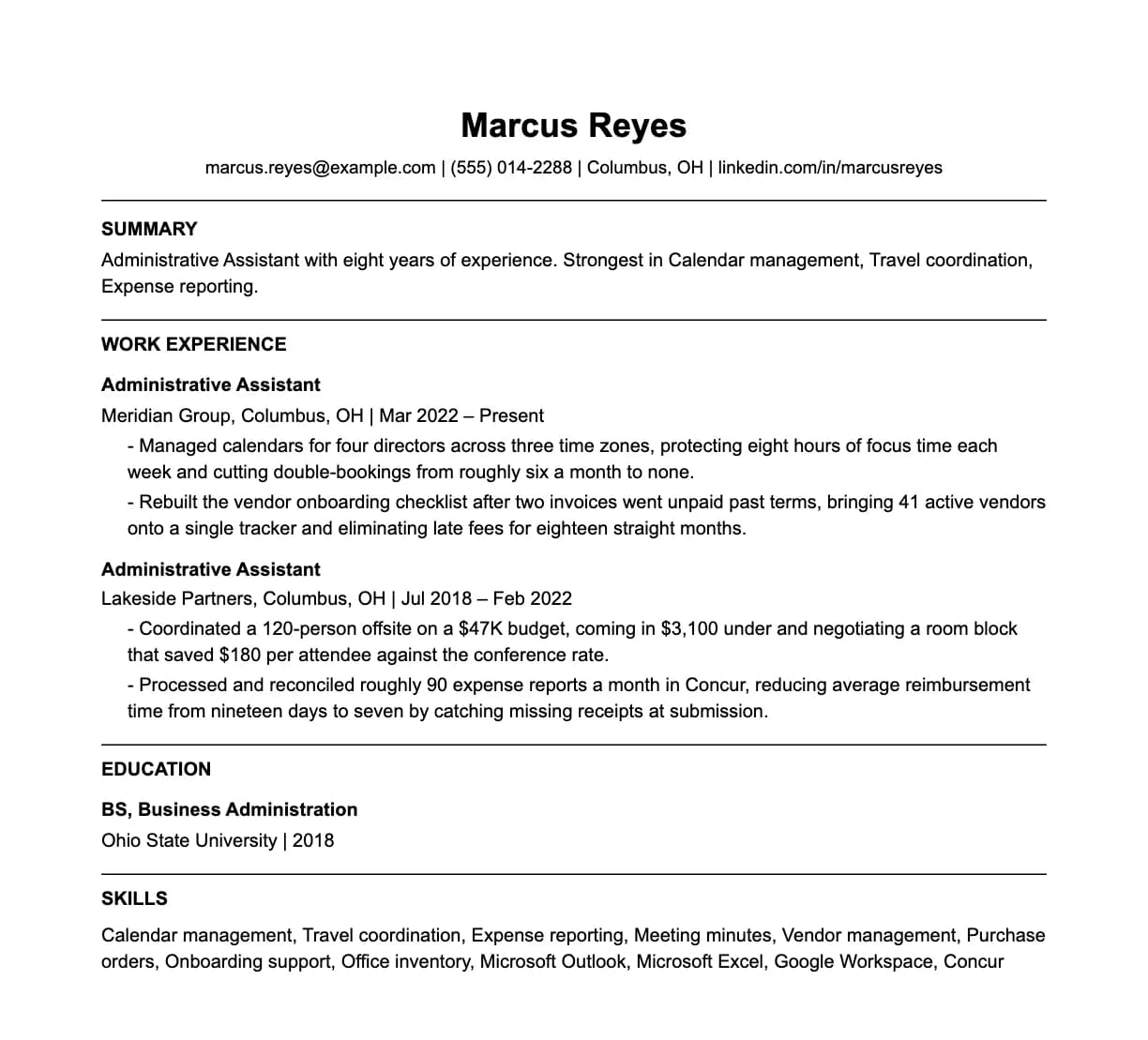
The bullets and skills are this page's own. The name, employer and dates are invented.
Administrative Assistant resume writing guide
Three areas where most administrative assistant resumes either win or lose against the competition. Read each section carefully, even one improvement here can meaningfully increase your response rate.
Quantify the invisible work
Administrative work is hard to put numbers on, which is why most resumes in this role read as a list of duties. Do the extra thinking. How many executives, how many calendars, what budget, how many vendors, how many reports a month, how many people at the event you ran. Scale is the number that matters most here. Supporting one manager and supporting a twelve-person leadership team are different jobs with the same title, and only the number tells them apart.
The resume is the work sample
More than in almost any other role, formatting is being assessed. Consistent date format, consistent tense, aligned bullets, no stray double spaces, no mixed fonts. A hiring manager who finds three inconsistencies has learned something about how you will handle their calendar. Keep it to one page and read it aloud once before sending. Errors that the eye skips over are caught by the ear.
Sections, in order
Contact, summary, experience, skills, education. A two-line summary naming the level of executive you support and your strongest area is worth more here than in most roles, because it sets expectations for scope immediately. Leave out: a photo, your date of birth, marital status and your full street address. City and state are enough, and employers do filter on them.
Administrative Assistant salary in the United States
National figures for Secretaries and Administrative Assistants, Except Legal, Medical, and Executive, the occupation BLS counts this job under. These are percentiles across everyone employed in it, not steps on a career ladder: half of all workers earn more than the median and half earn less.
10th percentile
$33,280
Nine in ten earn more than this
Median
$47,540
Half earn more, half earn less
90th percentile
$66,350
One in ten earns more than this
Source: US Bureau of Labor Statistics, Occupational Employment and Wage Statistics (OEWS), national cross-industry estimates, May 2025, SOC 43-6014. Annual wages, excluding bonuses, equity and other non-wage compensation. Current release at bls.gov/oes.
How to use these numbers
They are national and cross-industry, so your city and sector move them a long way. Use the median as the anchor, name a specific number rather than a range, and justify it with the single most quantified achievement on your resume.
Administrative Assistant resume format and structure
ATS systems parse your resume top-to-bottom. The order of your sections and how you label them directly affect your score. Use this structure:
Section 01
Contact Information
Name, professional email, phone, LinkedIn URL, and city/country. No photo, no date of birth, no full address. Keep it to 2 lines maximum.
Section 02
Professional Summary
2-3 sentences. Years of experience as an administrative assistant, your primary specialty, and your single biggest quantified achievement. No fluff.
Section 03
Work Experience
Reverse-chronological order. Company name, your title, dates (month/year), location. 3–5 bullet points per role, each with a number. Most recent role gets the most bullets.
Section 04
Skills
List Calendar management, Travel coordination, Expense reporting, Meeting minutes, Vendor management, and other relevant tools. Group by category if you have 10+ skills. This section is scanned first by most ATS.
Section 05
Education
Degree, institution, graduation year. No GPA unless above 3.5 and within 3 years of graduation. Certifications go here or in a separate Certifications section.
Section 06
Optional Sections
Projects (essential for early-career), Certifications, Publications, Open Source, or Languages. Only include if genuinely adding signal.
Questions
Administrative Assistant resume, frequently asked questions
Answers to the most common questions job seekers have when writing an administrative assistant resume, covering format, keywords, length, and ATS optimization.
Resume examples for other roles
Need a guide for a different job title? Each page includes role-specific ATS keywords, real bullet examples, and a writing guide.
Build your administrative assistant resume
Use our free tools to build, score, and optimize your resume for the specific job description you're applying to.
Sources and references
Where the skills, tooling and pay figures on this page come from.
From example to yours
Start from this, then make it yours
The builder takes an example like this one and lets you edit it in place. The score updates as you type, so you can see whether a change helped rather than guessing.
Open the builder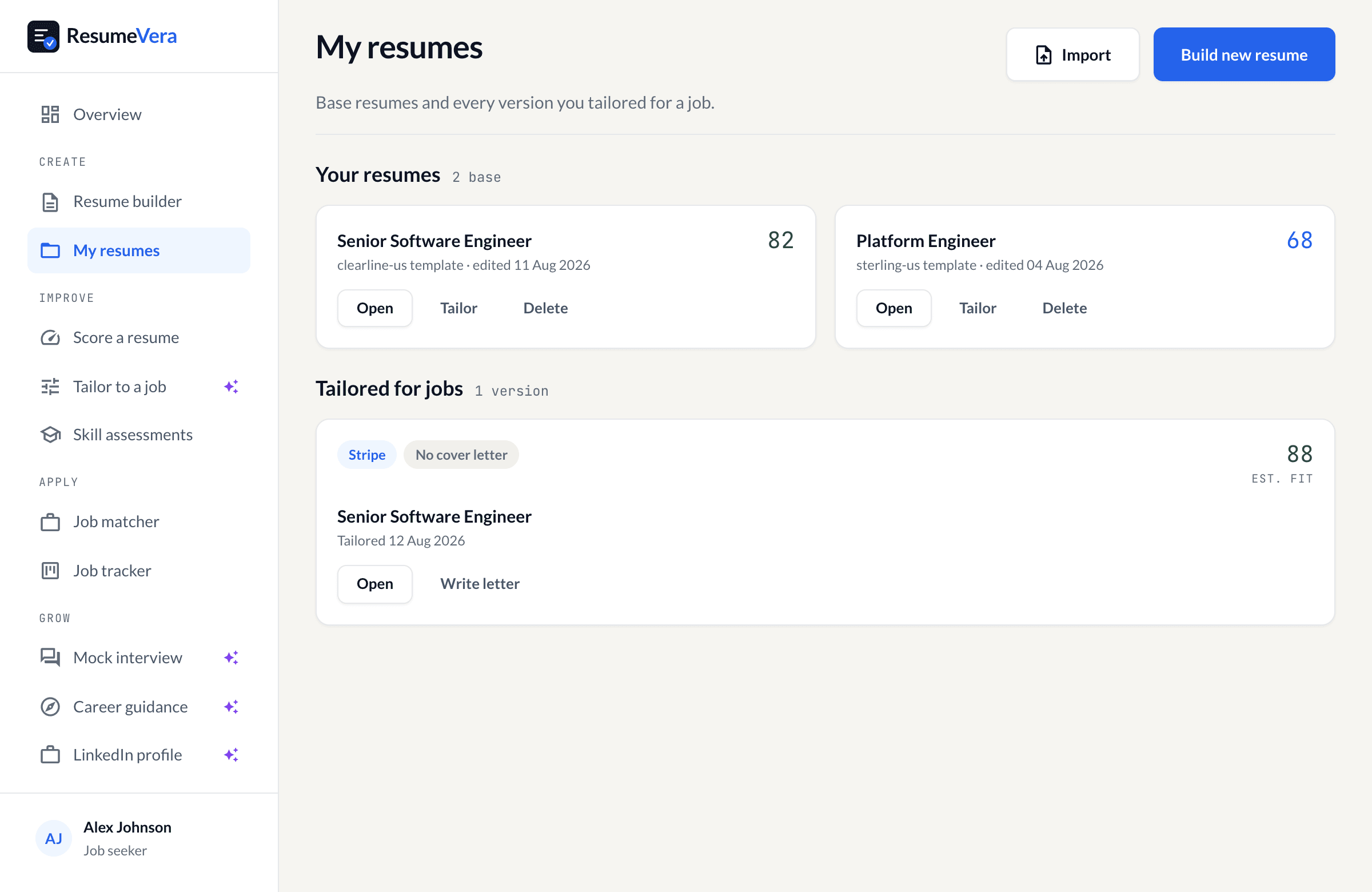
The real resume library, on a sample account with sample scores.
Build your administrative assistant resume, free
Start from an example like this in the builder and watch the score move as you edit. Building, scoring and a watermarked export are free, with no card.